



When employees travel to China for work, connectivity and data security become crucial concerns. China’s digital infrastructure is extremely advanced, yet operates under different cybersecurity regulations, monitoring systems, and Internet restrictions than most Western countries.
Proper corporate preparation ensures your staff can stay connected, compliant, and protected while maintaining access to essential business tools abroad.
This guide summarizes key security measures, best practices, and safe technology solutions (including eSIMs) for corporate users traveling to China.
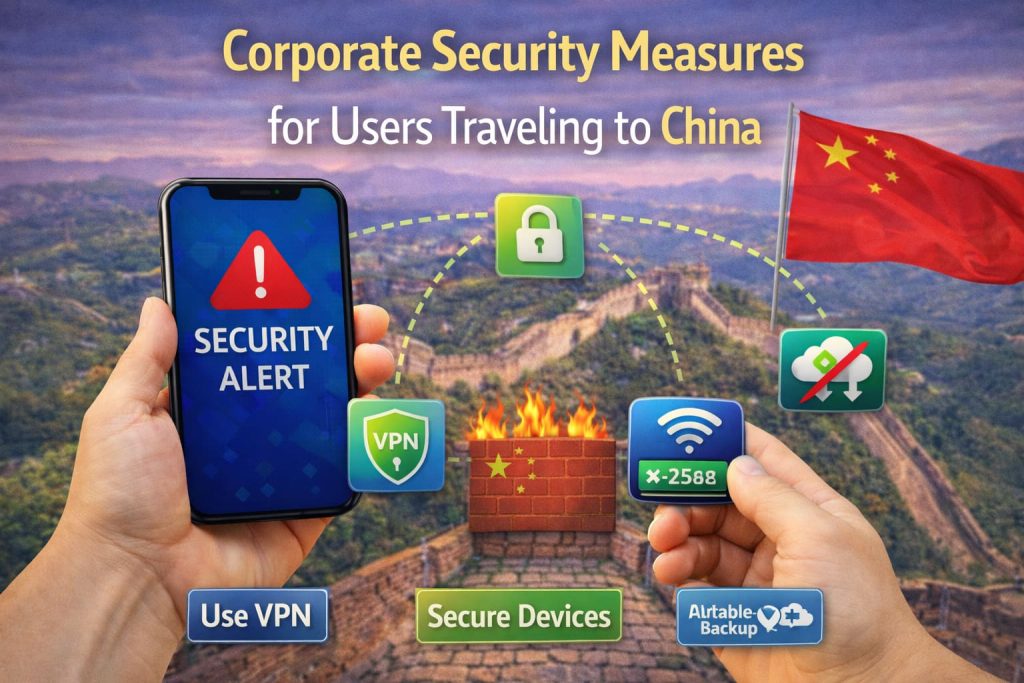
I. Understanding China’s Digital Environment
Before sending employees to China, it’s vital to recognize that the country operates under the Great Firewall, which restricts access to foreign services such as:
- Google Workspace (Gmail, Drive, Meet)
- Microsoft OneDrive (partial restrictions)
- Dropbox, Slack, and certain VPNs
- Facebook, Instagram, X (Twitter), WhatsApp
While foreign visitors are typically not targeted individually, the national network filtering automatically applies to all Internet activity within China.
This means that work applications hosted outside China may suffer from connectivity delays or become inaccessible entirely — unless handled correctly.
II. Key Corporate Security Risks
| Category | Risks for Business Travelers |
| Network Security | Unsecured public Wi‑Fi in hotels, airports, and cafés exposes devices to monitoring or malware. |
| Data Privacy | Data may be backed up or cached on local network nodes controlled by mainland carriers. |
| Cloud App Access | Foreign SaaS tools might be blocked, delayed, or logged. |
| Device Seizure | At customs, laptops or phones may be subject to security inspections. |
| Roaming Costs & Tracking | Employees using international roaming risk high costs and unmonitored data flows. |
Mitigation doesn’t require paranoia — only well‑defined IT practices and connectivity solutions aligned with Chinese regulations.
III. Pre‑Travel Security Preparation Checklist
- Device Hardening
- Update all operating systems before departure.
- Remove sensitive or confidential data not needed for the trip.
- Enable full‑disk encryption on laptops and mobile devices.
- Disable automatic cloud synchronization on public networks.
- Account Management
- Use two‑factor authentication (2FA) for corporate accounts.
- Provide travelers with temporary user logins (expire after trip).
- Avoid signing in to unmanaged or shared computers.
- Connectivity Planning
Instead of relying on unsecured hotel Wi‑Fi or expensive roaming, corporations should issue local or travel‑specific eSIMs.
Services like [https://chinaesim.com/] offer China‑optimized eSIMs that:
- Work without a VPN (unrestricted browsing and corporate app access).
- Deliver 4G/5G nationwide coverage through China Mobile, Telecom, and Unicom.
- Allow hotspot sharing for laptops and work devices.
- Support multi‑region plans (China + Hong Kong + Japan + Korea).
By using eSIMs, IT departments can control employee connectivity via a managed, digital channel, preventing unauthorized tethering or insecure Wi‑Fi connections.
IV. Corporate Connectivity Recommendations
| Option | Pros | Cons / Risks | Recommended Use |
| Corporate VPN (approved) | Encrypted channel for company servers | Must comply with local laws; slower speed | For company‑controlled networks only |
| Hotel Wi‑Fi | Free access | High monitoring risk | Only for non‑sensitive browsing |
| International Roaming | May bypass firewall | Very expensive; inconsistent | Short-term, emergency fallback |
| China‑approved eSIM (No VPN needed) | Local connectivity, stable, affordable, legally compliant | Data‑only (no SMS) | Best for secure daily access |
IT departments may pre‑install eSIM QR codes on company phones prior to departure, reducing dependency on foreign SIMs or physical distribution.
V. During‑Trip Security Best Practices
- Use a dedicated travel device. Provide laptops/phones intended solely for short-term business use, avoiding mixed personal data.
- Avoid cloud backups on local connections. disable auto-upload functions in OneDrive, Google Drive, iCloud, and Dropbox.
- Limit Bluetooth and NFC. These can expose devices to unwanted pairing attempts in public spaces.
- Monitor network profiles. Ensure devices connect only via corporate-approved connections — ideally via the company’s chosen China eSIM network for consistent oversight.
- Report unusual activity. Employees should immediately notify IT if encountering connection interruptions, unexpected login prompts, or data sync anomalies.
VI. Returning Home: Post-Trip Data Hygiene
After the employee returns, perform a full post‑travel data control procedure:
- Backup corporate files to secure cloud storage.
- Wipe travel devices and reinstall system images.
- Reset passwords used during travel.
- Audit activity for any unauthorized access logs.
Companies with frequent travel to China should integrate these steps into standard operating procedures for cyber‑resilient travel.
VII. Why Choose an Enterprise eSIM Solution
For large or mid‑size organizations, using digital eSIMs simplifies global mobility management.
At [https://chinaesim.com/], business customers gain:
- Scalable account management for multiple travelers.
- Automated data plan activation on arrival.
- Real‑time connectivity monitoring.
- 24/7 multilingual support via WhatsApp and email.
Moreover, China‑compliant eSIMs eliminate dependency on VPNs or local SIM kiosks — ensuring employees can access essential apps and corporate services legally and reliably from anywhere in China.
VIII. Final Thoughts
Corporate travel to China in 2026 demands a balance of connectivity and compliance. Relying on random Wi‑Fi or unsecured roaming introduces unnecessary risk, while government rules limit conventional VPN solutions.
By deploying enterprise‑approved eSIMs, enforcing pre‑travel device hardening, and applying clear post‑trip protocols, multinational companies can protect sensitive information while maintaining productivity.
In summary:
- Encrypt everything.
- Use managed eSIM data connections.
- Limit exposure to local networks.
- Plan for safe data exit.
Partnering with trusted connectivity providers like [https://chinaesim.com/] ensures your team travels smart, secure, and online without compromising corporate integrity.